

See every subscription hiding in your statements.
The private subscription tracker that imports PDF statements on iPhone — and shows what to cancel, keep, or ignore.

Free · iPhone · iOS 16.4 or later

How it works
-
1
Import statement PDFs
Add your credit card statement PDFs — no bank login, no linking accounts.
-
2
Everything is analyzed on your device
Text extraction, parsing, and subscription detection all run locally on your iPhone.
-
3
Keep, cancel, and get renewal reminders
Decide what stays, get cancellation guidance, and set local reminders before renewals.
Inside the app
Every screen below is the shipping build, shot on an iPhone.
-
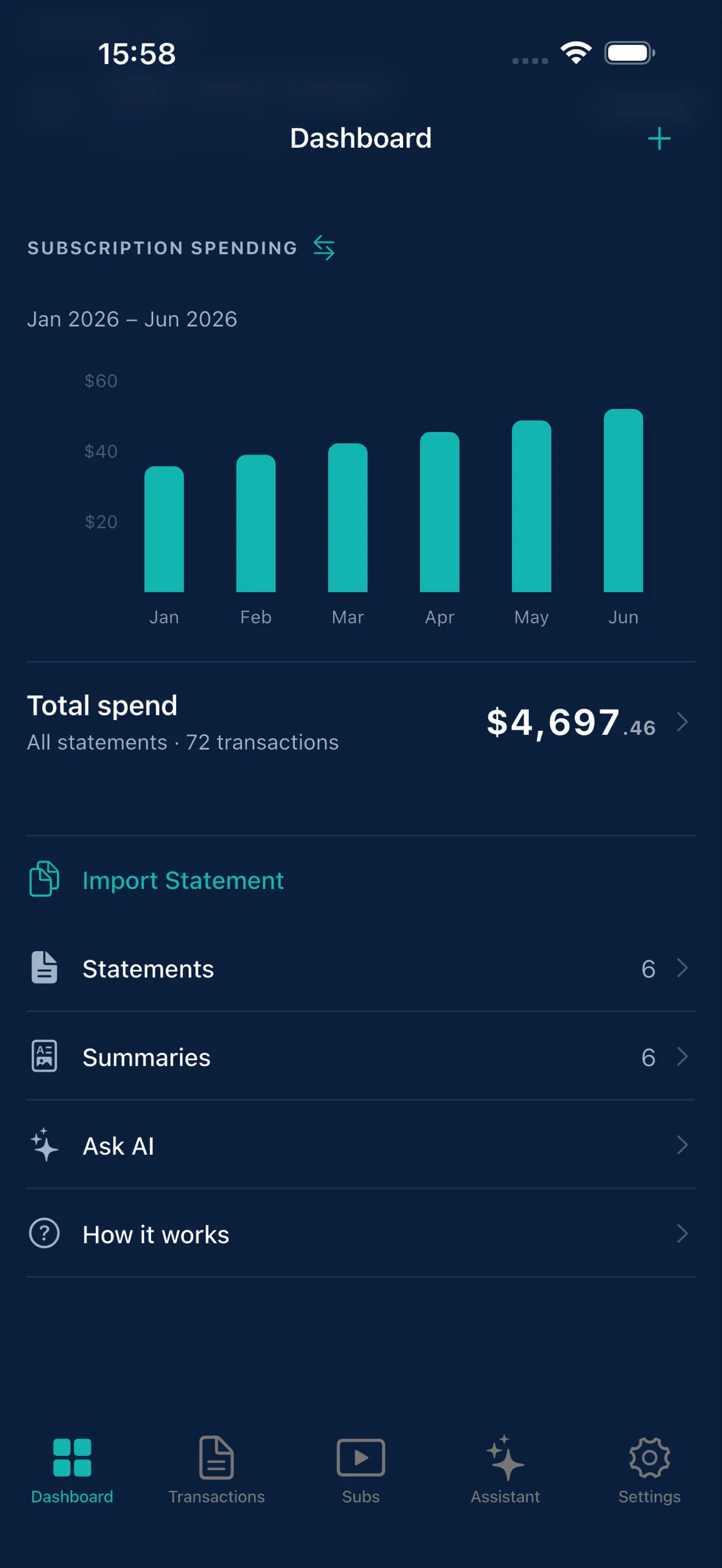
Import a PDF statement.
No bank login. No linked accounts.
-
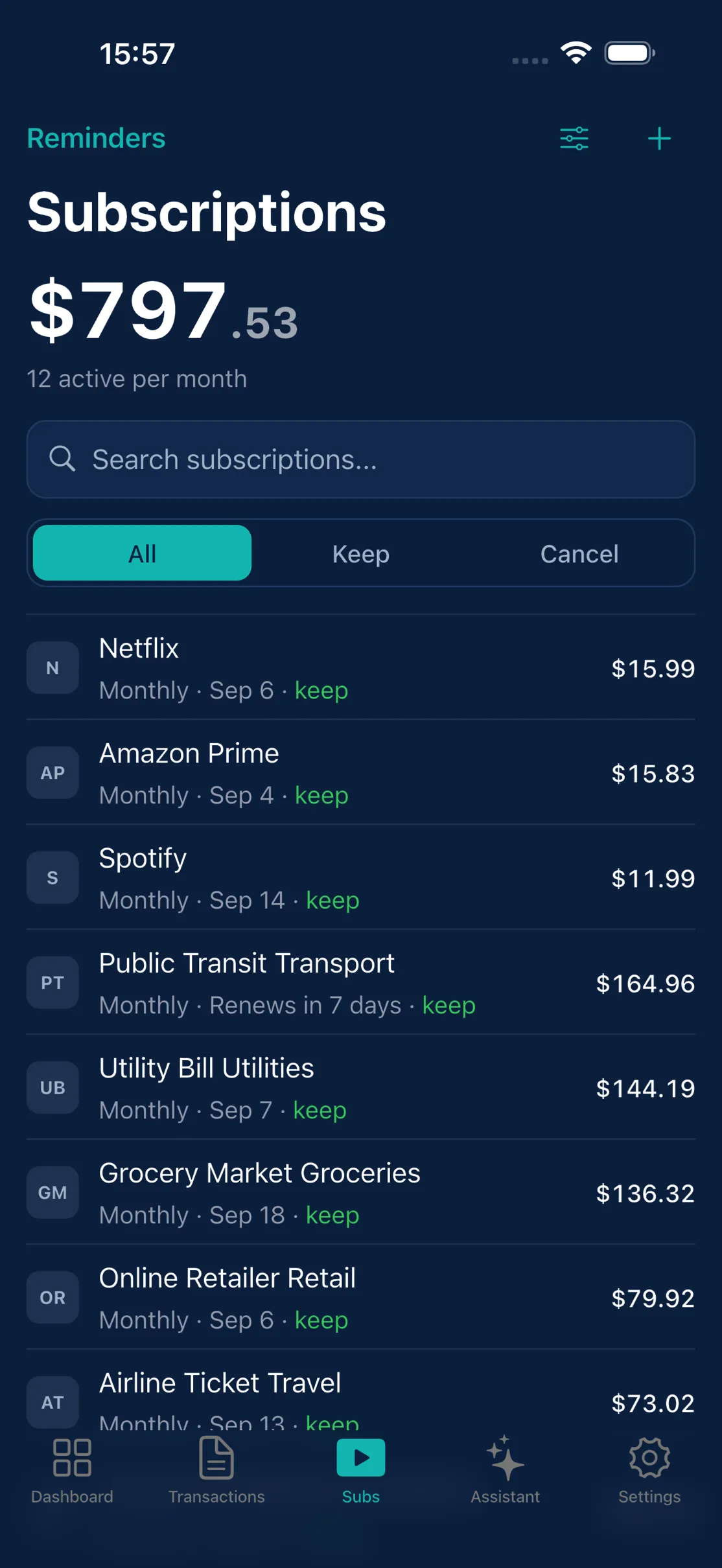
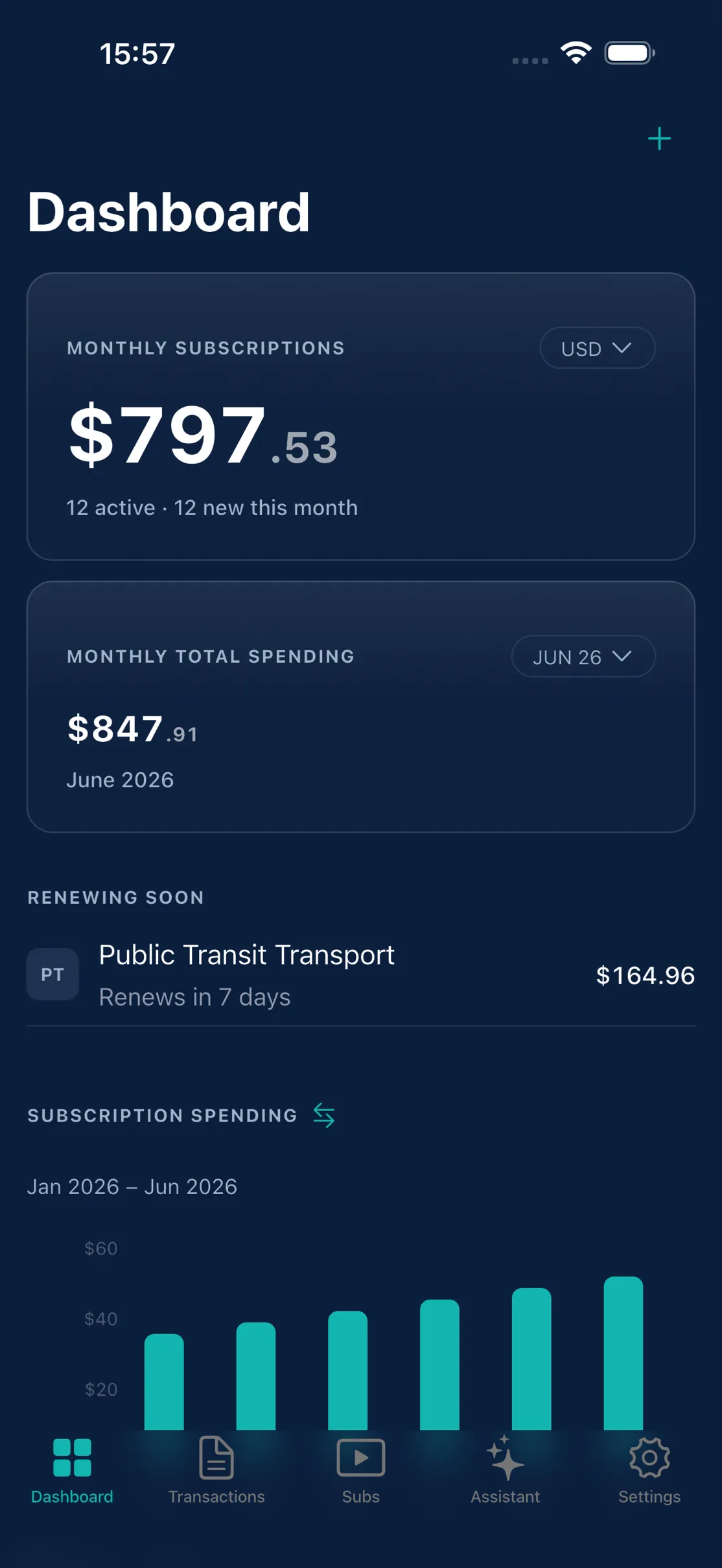
See your monthly total.
Know what your subscriptions really cost.
-
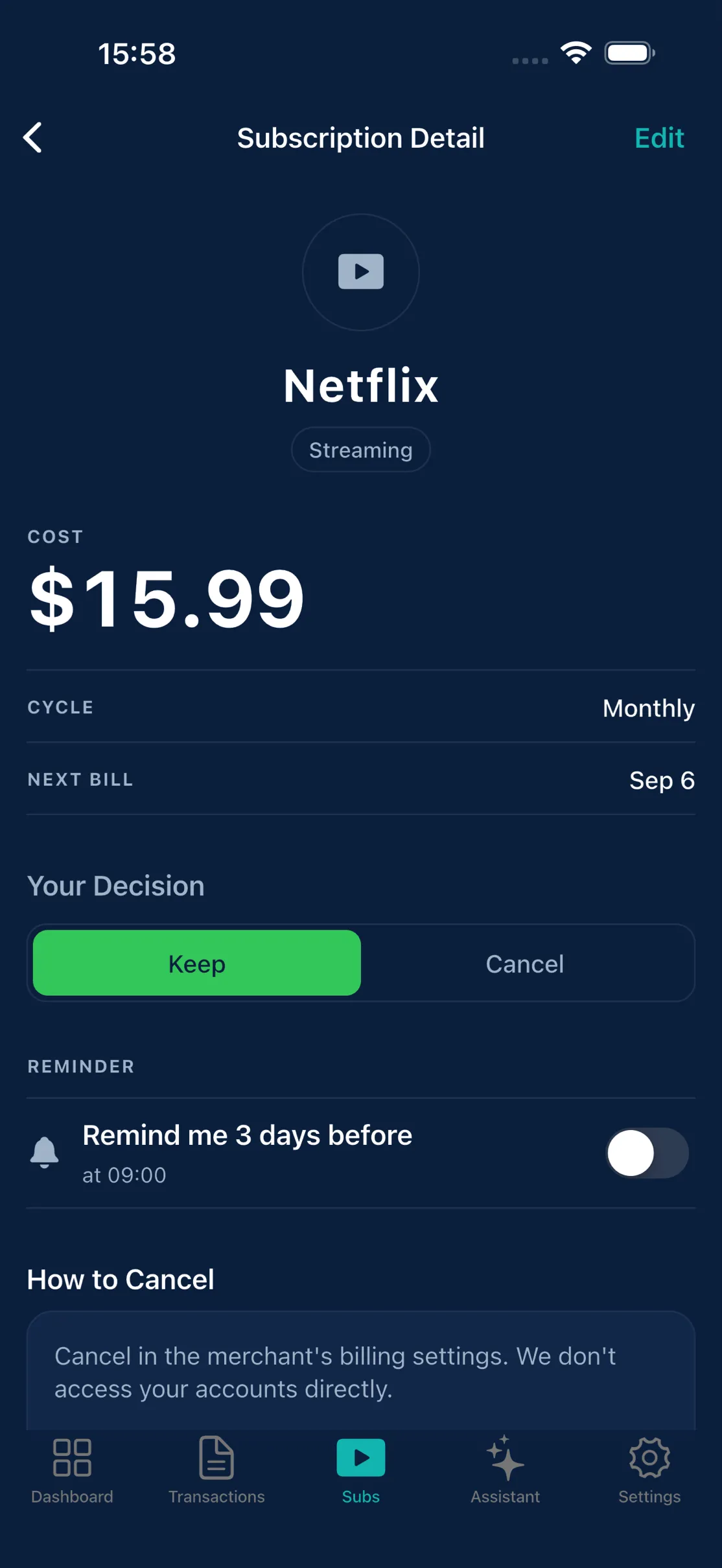
Decide what stays.
Mark each one, then follow the cancel steps.
-
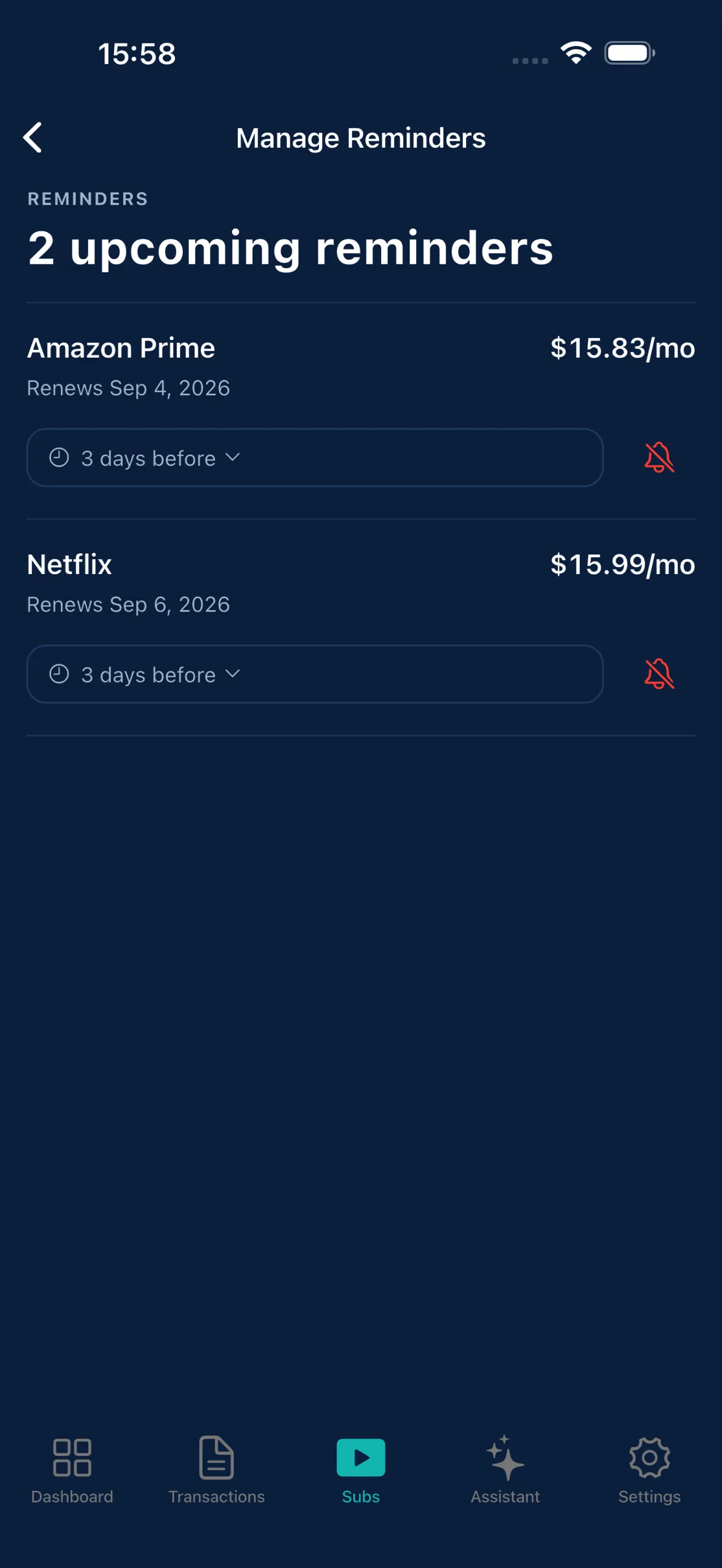
Never miss a renewal.
Local notifications. Nothing leaves your iPhone.
-
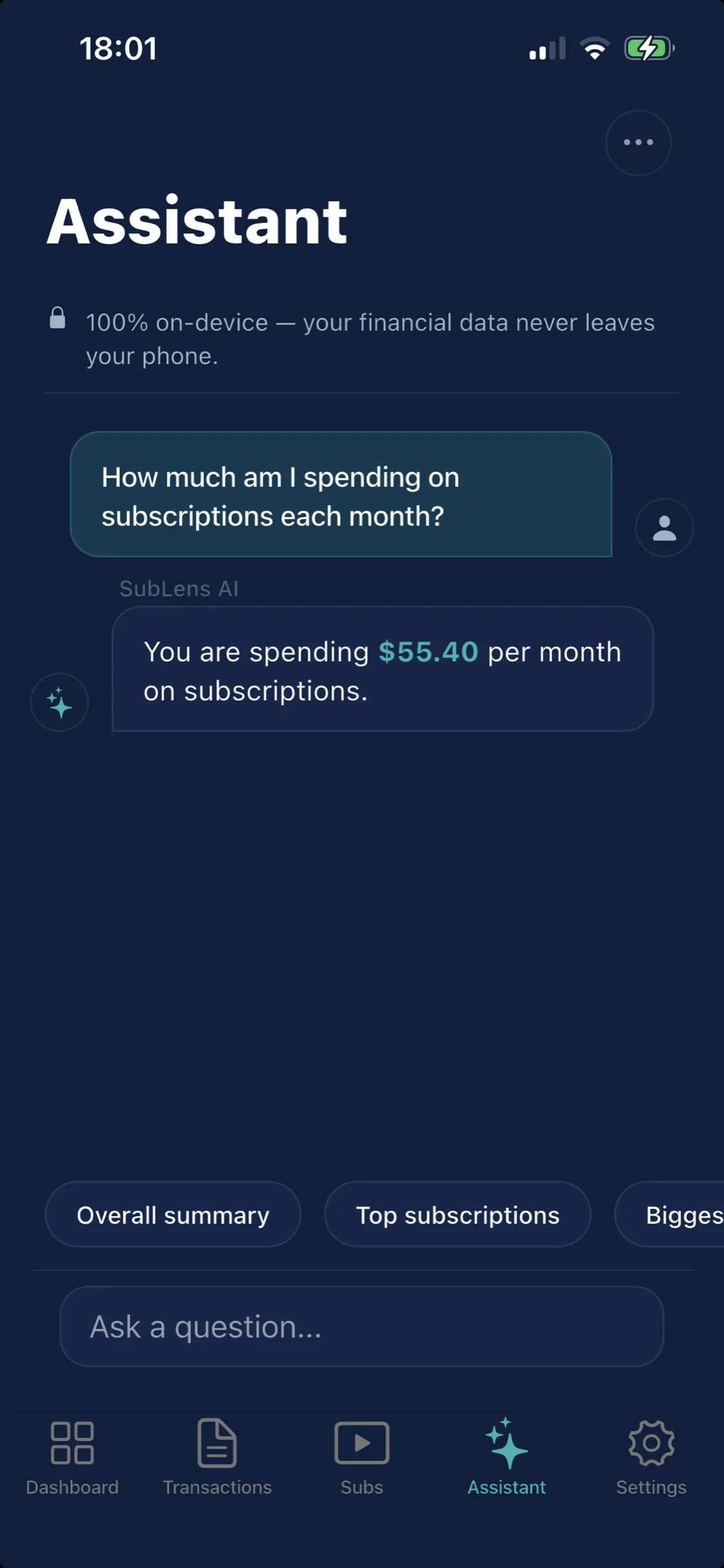
A private AI assistant.
Runs on your iPhone. Works offline.
-
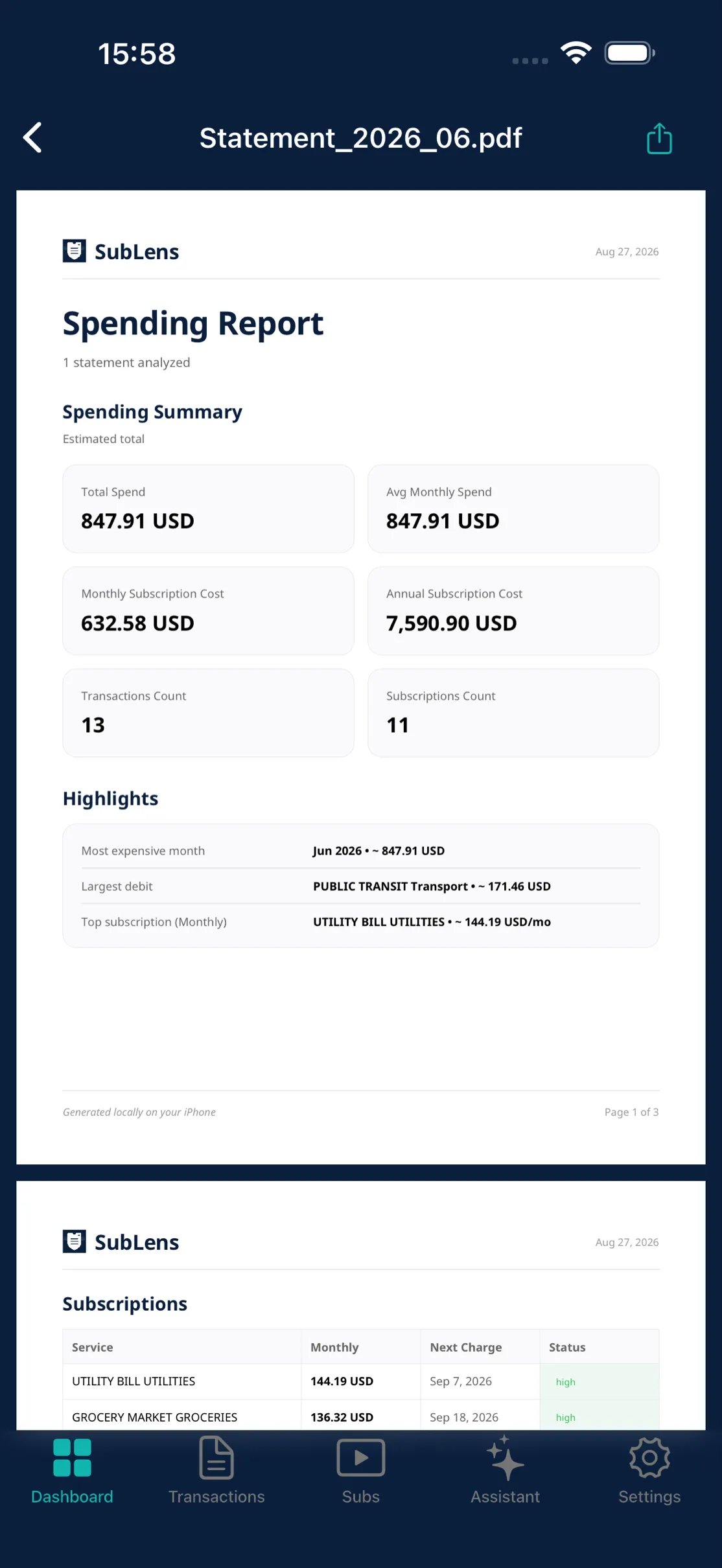
Export a clean report.
Share a PDF summary. Your data, your choice.
-
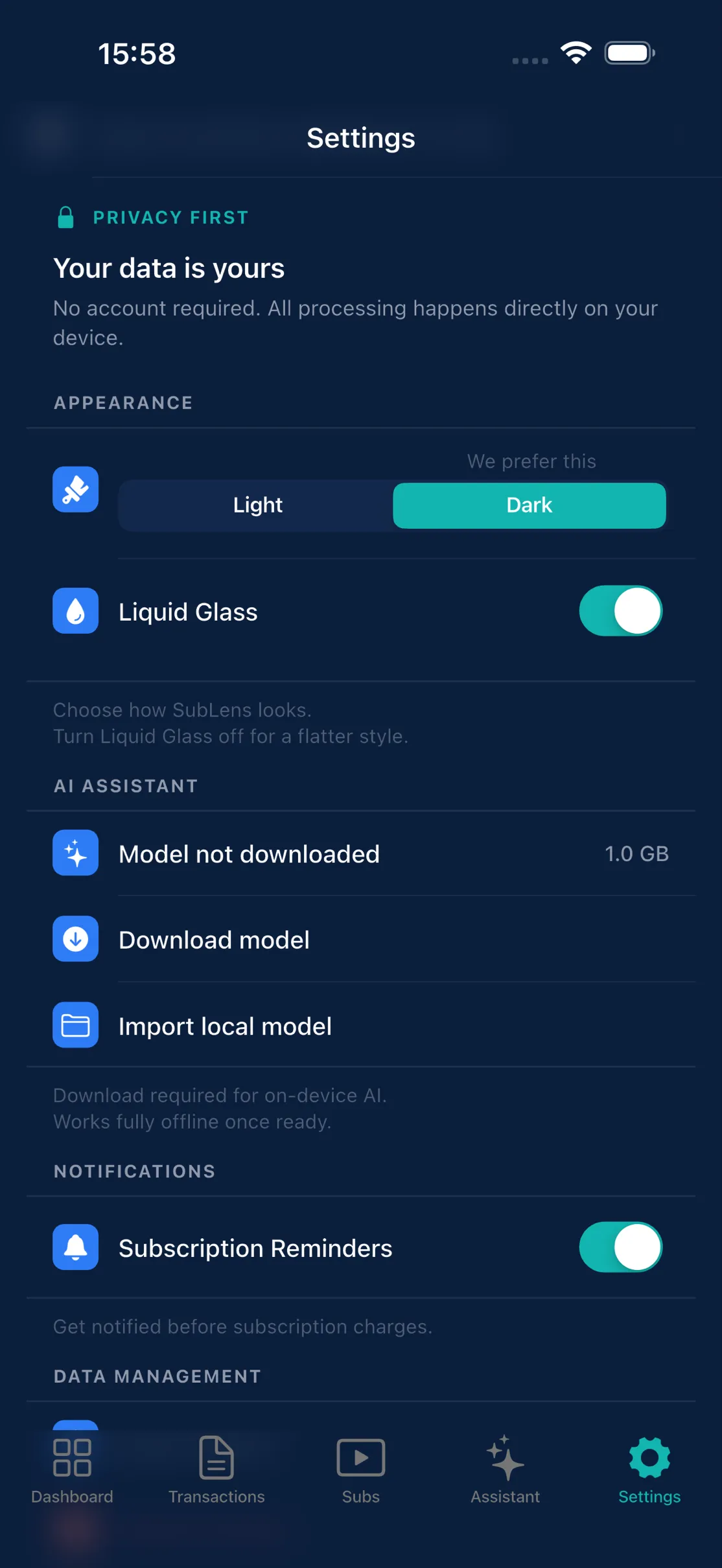
Privacy-first by design.
On-device processing. No account, ever.
Features
-
Subscription detection
Finds recurring charges and subscriptions hidden across your statements.
-
Renewal reminders
Local notifications before a subscription renews, so nothing sneaks past you.
-
Offline AI assistant
Ask questions about your spending, answered entirely on your iPhone.
-
Cancel help
Step-by-step cancellation guidance for the subscriptions you don't want.
-
PDF report export
Export a clean summary report you can save or share, on your terms.
-
Multi-currency
Detects the currency on each statement automatically, so totals stay accurate.
Your statements never leave your phone.
- No sign-in, no account
- No cloud — analysis runs on-device
- No tracking, no ads
- The AI assistant runs offline on your iPhone
Frequently asked questions
Is my data safe?
Yes. Your statements and transactions are processed and stored entirely on your iPhone. Nothing is uploaded, and SubLens has no servers that receive your financial data.
Which statements work?
Credit-card PDF statements, plus the CSV, OFX/QFX, and XML (camt.053) exports most banks offer. SubLens supports a growing set of statement templates, with more added over time.
What does it cost?
SubLens is free to try — import up to 6 statements, detect your subscriptions, and use the built-in tools with a starter allowance for the offline assistant. Premium removes the limits: unlimited statement imports and an unlimited assistant. You can go Monthly or Annual (with a free trial), or buy a one-time Lifetime unlock.
Where do I get it?
SubLens is on the App Store for iPhone, free to download. It needs iOS 16.4 or later. Get SubLens.
Import one statement. See every subscription in it.
Free · iPhone · iOS 16.4 or later